


Advertisement
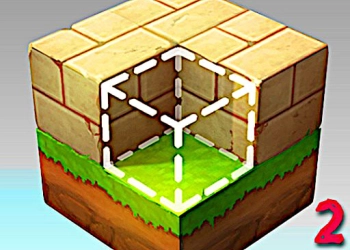
Block Craft 2 picks up right where the first game left off. This time around, you get new skins, more inventory space, and fresh tools to work with. It is a building simulation game where you can shape an entire kingdom from the ground up.
You are free to explore wide open spaces and build whatever comes to mind. The game gives you a lot of items and tools to try out as you go. There is no limit to what you can create or modify in this world.
Here are the controls for the game. Move with W, A, S, D. Look up and down with Q and E.
Select blocks using the number keys 1 through 8. Press P to pause or see key info. Left-click to hit a block.
Right-click to place a block. Press R to rotate a block. Use F for fly mode.
Press B for build mode. Crouch with C. Run by holding left Shift.
Press L to use a torch. Press R to throw a ball. Press Y to summon a deer.
Press X to place a brick. Press T to interact. Press G to throw.
Open the block list with Tab. Press H for the console.
ZeroSpace Games is proud to publish Block Craft 2. Jump back into the adventure and see what you can build.
Information
Game category: Funny